


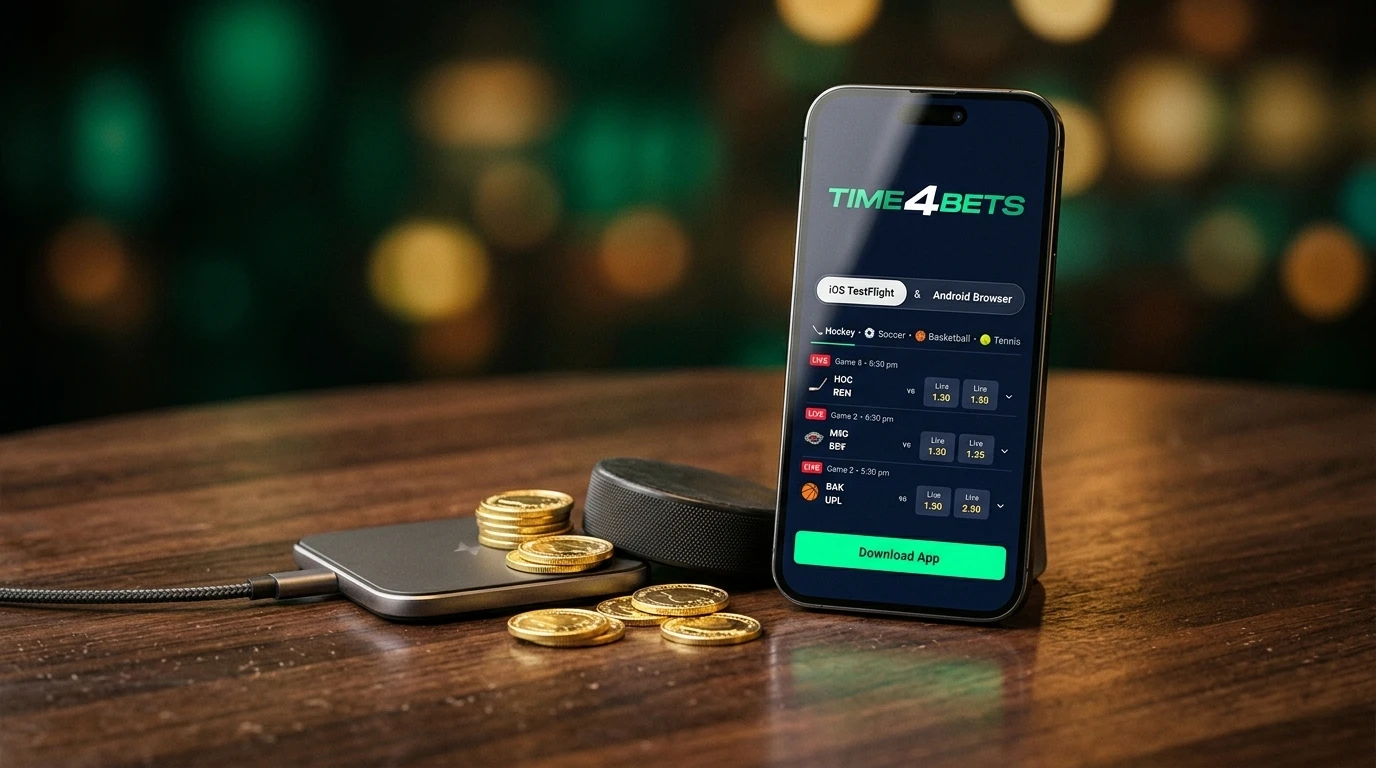












Playing from your phone is not the same as playing at a desk… and pretending it is will cost you. Every tap costs memory, data, battery, and often patience. Canadian players get two clean routes onto the platform. First: the iOS build for iPhone owners, delivered through Apple’s testing tool as the Time4bets app download. Second: the mobile browser, serving Android and pretty much anyone without an Apple device. Both give you the same account, balance, and betting history… your progress lives on servers, not on the handset.
Below you’ll find how the Time4bets app download works, why the browser route costs almost nothing, how much data each section eats, what the cashier permits from a phone, and what to do when a coupon or payment sticks. There’s also a compact block on bonuses, plus a plain FAQ.
Read on and pick the route that matches your device.

Time4Bets iOS App Download and Its Footprint
The iPhone path is short but has moving parts. First, grab TestFlight from the App Store… Apple’s official tool for pre-release builds is free. Open the invitation titled “Download Time4Bets” and tap Install. That’s the Time4bet app download handled. Sounds simple? It kind of is, but the Time4bets app costs your phone more than the raw install size suggests. Three things eat storage: the TestFlight middleman, the platform build, and the cache that grows session after session.
Update traffic is not trivial either… each release downloads in full, so the Time4bets app download repeats at every version bump. The first launch adds a login and, if two-factor is on, a one-time code. Practical takeaway? Clear the cache every couple of weeks, or the Time4bet app quietly swells past its original footprint. Before you begin: free space, current iOS, stable Wi-Fi. Skip those, and the Time4bet app download will fail midway or land as a broken shell.
Prepare storage and Wi-Fi first, then start the install.
Android Mobile Browser and Why It Costs Nothing

Now compare that footprint with the browser route. The iPhone build occupies storage constantly and grows with cache… the browser access occupies exactly zero. Update traffic? Every new iPhone build downloads in full, but the browser version updates on the platform side without you loading anything. Setup time? The iOS route needs the App Store, TestFlight, and a valid invitation. The browser needs one thing: the address. Here’s the order for Android: type the address into Chrome or Firefox, sign in, then pin the shortcut to your home screen for one-tap re-entry. Three settings must be right, or the math breaks:
- Browser version: current release of Chrome, Firefox, or Samsung Internet.
- Cookies: allowed for the domain or session state resets on every tap.
- Data-saver mode: switched off, since it strips scripts the cashier needs.
The platform releases no installation file. None. If somewhere online you spot a shady Time4bets APK package, close the tab… a fake Time4bets APK is bait, plain and simple. There is no official Time4bets APK anywhere. Any so-called mirror is a security risk. Real Android access goes through the browser.
Open the browser, sign in, and pin the shortcut for instant access.







Data and Battery Across Casino and Betting
Resource use varies wildly by section, and that variance hits your data plan directly. Slots load graphics once at launch, and after that, consumption stays modest… a long reel session fits inside a small data budget. Sports markets sit in the middle: steady but moderate, since odds refresh constantly. Live dealer tables? The heavy hitter. Video streams the entire time you’re seated and burns noticeably more than any other section. On a weak signal, picture quality drops automatically, cutting data use… and immersion with it.
Practical advice: fire up live tables on home Wi-Fi, and lean on slots plus sports when you’re on mobile data. Close background apps that hog bandwidth. Keep an eye on how warm the handset gets and how fast the battery drops… phones throttle when they overheat, and a throttled session feels laggy. Device power affects interface smoothness but not game outcomes… an older phone doesn’t give worse odds. Every result comes from server-side randomness or actual match data.
Match the section to your connection and save the heavy streaming for Wi-Fi.
Deposit and Payout Boundaries on a Phone
Cashier operations work identically on phone and desktop. Deposits accept cards (Visa/Mastercard), Apple Pay, or crypto. Limits: 7 CAD to 42,600 CAD per operation for card and Apple Pay, and 1.40 CAD to 142,000 CAD per day for crypto (USDT TRC20/ERC20, USDC ERC20, BTC, ETH, LTC, DOGE). Withdrawals happen through the cashier: card 28 CAD to 14,200 CAD, bank transfer 142 CAD to 142,000 CAD per day, and crypto 28 CAD to 284,000 CAD per transaction.
Apple Pay on iPhone confirms payment through the system’s biometric prompt, with no manual card entry… handy on the go, sure, but it also makes unplanned top-ups easy to trigger. Keep amounts inside a pre-decided weekly budget; don’t chase and don’t react to a bad run. KYC documents get uploaded straight from the phone camera. Photo the ID front and back and a selfie, then submit inside the profile. Live chat handles cashier queries around the clock in six languages.
Set your session budget before opening the cash drawer and stick to it.

Checking Time4Bets Bonus Thresholds in the App
In the Time4bets app, bonuses come down to matching numbers before and after you tap confirm. Before confirming a deposit, check three things on the payment screen. First, the amount clears the step threshold: 20 CAD, 50 CAD or 75 CAD for the three welcome deposits. Second, one of the three bonus options is ticked. Third, the 500 CAD credit ceiling shows right next to it. Once the deposit lands, open the active credit card and look for two figures: the remaining turnover and the 2,500 CAD payout cap. Free spins deserve their own count. They arrive with the credit on each step: 100, 150 and 150 spins at 0.20 CAD each, so 20, 30 and 30 CAD in face value. Open Golden Tree Buy Bonus right after the credit lands and check that the remaining spins match. Two minutes of checking now beats a long chat later.
Read the tier numbers, then confirm the deposit.
Fixing Time4Bets App Faults Without Losing Money

Faults matter most when they can drain your balance, so let’s split them by cost. Two situations where haste actually costs money. First, a coupon that won’t confirm… the bet hasn’t been accepted or paid, but tapping “place” again blindly could give you two identical coupons and double the outlay. So open bet history first, check whether it landed, then decide. Second, a payment not showing in history… re-depositing while the first is stuck means being charged twice. Wait for processing to finish, or ping support before hitting confirm again. Now the non-financial glitches: an install invitation that won’t open, the Time4bet app quitting on launch, a login being rejected, or a live stream freezing at the worst possible moment. General order for troubleshooting, top to bottom:
- Signal check: Switch between Wi-Fi and mobile data to isolate the network.
- Restart: Close the app or browser fully, then relaunch.
- Cache: Clear it from device settings, since stale files break login screens.
- System Update: an outdated iOS or Android version blocks TLS handshakes.
- Re-login: Sign back in, using two-factor authentication if enabled.
If the Time4bet app download itself won’t start, delete the invitation, ask support to resend, and reinstall. Same drill for a broken Time4bet app download. Reboot fixes half the Time4bet app issues. One firm rule… never register a second account to bypass an issue. That trips anti-fraud flags and can void winnings. Contact live chat instead.
Check bet history and payment status before repeating any tap.
Mobile Cashier Limits at a Glance (CAD)
| Method | Direction | Minimum | Maximum |
|---|---|---|---|
| Card (Visa/Mastercard) | Deposit | 7 CAD | 42,600 CAD per op |
| Card (Visa/Mastercard) | Withdrawal | 28 CAD | 14,200 CAD per op |
| Apple Pay | Deposit | 7 CAD | 42,600 CAD per op |
| Bank transfer | Withdrawal | 142 CAD | 142,000 CAD per day |
| Crypto (BTC/ETH/USDT, etc.) | Deposit | 1.40 CAD | 142,000 CAD per day |
| Crypto (BTC/ETH/USDT, etc.) | Withdrawal | 28 CAD | 284,000 CAD per tx |
Save this table for quick reference at the cashier.
Time4Bets App FAQ with the Numbers
Play within your budget, treat sessions as entertainment, and reach out to ConnexOntario or Gambling Support BC if betting stops feeling fun.